
Start your first task from home
Getting startedReview draft
On this page
Give AIRI loci a brief to organize requirements before researching or discussing design directions. This guide takes you through that first round.
Prepare your own brief. Without a file, paste this teaching example into the home input and continue with step 2:
Teaching example: Convert an old factory into a community cultural space with small exhibitions, community activities and reading areas. Retain the existing roof profile. Floor area, budget and construction phasing are unconfirmed. For now, organize requirements without developing a design.
1. Add the brief on the home page
After login, drag the brief into the central input. It becomes a reference for this task; you can describe the request without first creating an empty project.
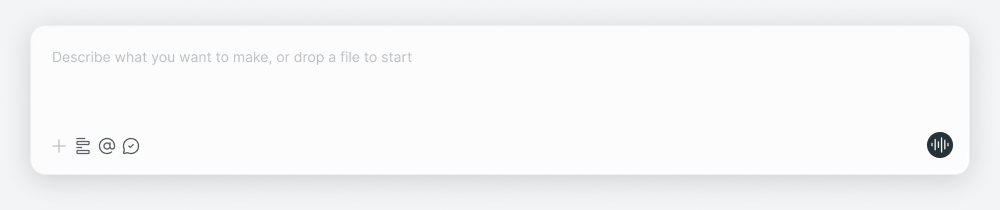 English interface illustration: the home input accepts a request and supporting files.
Wait for upload to finish and check that the correct file appears before sending. Resolve upload errors first. For ongoing work, open the existing project and provide the file in its conversation.
2. Explain what this step needs
For example:
Read this brief and organize the project goals, functional requirements and mandatory conditions. List unclear information separately. Do not start designing yet.
This defines the scope of this round. Replace it with your actual need, such as a schedule of accommodation or questions for the client. Send the message to enter the project. Find your message and follow progress and replies in the same conversation; the canvas holds and organizes the resulting content.
3. Add context when needed
Answer questions with known information. Say “not yet decided” for unknowns instead of inventing values to continue. For example: “Phasing is not decided; list it as an open question.”
4. Review and follow up
Read the reply and expand canvas results. Check floor area, functional quantities and retention requirements against the source. For the teaching example, verify these points; this is a review checklist, not a fixed generated format:
| Information | Expected content |
|---|---|
| Goals and functions | Factory conversion; exhibitions, community activities and reading |
| Mandatory conditions | Retain the original roof profile |
| Open questions | Floor area, budget and phasing remain unknown, not invented values |
If the roof condition is missing, say:
The brief also requires the original roof profile to remain. Add it to the mandatory conditions.
Use your actual source conditions for your own project. Continue research within the same context:
Find precedents for converting factories into community cultural spaces. Focus on public activity areas and include sources.
You do not need to describe the whole project at once. Finish the immediate step and build on its results.
5. Return to your work
Find it in recent projects on the home page. Use different Pages within the project to organize later references and results.
Other starting points
| What you have | A possible first step |
|---|---|
| A sketch | Upload it and describe materials, atmosphere or local changes to explore |
| Several design images | Provide them and specify what to compare |
| An idea without files | Describe the goal and known conditions |
| A ready-made use case to try | Use home shortcuts or Examples and supply the requested inputs |
Reference canvas content · Research sites and precedents · Skill manuals · Documentation