
Create and use your own Skills
Skills and reusable methodsReview draft
On this page
Save a repeatable method's purpose, inputs, steps and delivery standards as a personal Skill. Do not turn all private details of one project into a general workflow.
Choose a creation method
| What you have | Method |
|---|---|
| An idea or completed workflow to generalize | Ask Agent in Chat to organize and create it |
| A written method | Create a personal Skill in the panel |
| A Markdown Skill file | Upload the .md file, review and create |
All three require checking name, scope, inputs, execution and output standards, followed by a trial with new materials.
Create in Chat
Explain when to use the method, inputs, mandatory steps and output. For example: “Create a personal precedent-comparison Skill: input three project links; verify facts, compare space, materials and operations, and list missing evidence.”
If deriving it from finished work, distinguish reusable steps from project-specific details. Review the method and confirm requirements before asking Agent to create it.
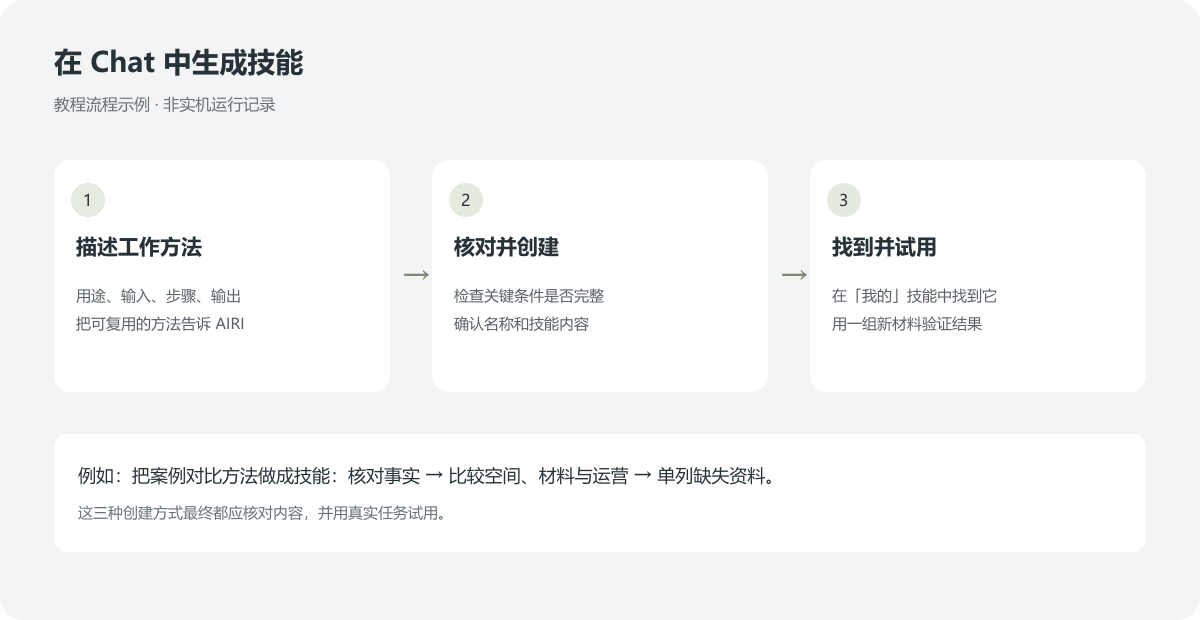 Tutorial workflow illustration, not a recording of a live conversation.
Create in the panel
Open Skills / My / New personal Skill. Enter a descriptive name and write inputs, steps and delivery standards in the body; optionally set a cover. Confirm to save or Cancel to discard. The current editor uses a name and body, with steps written directly in the body.
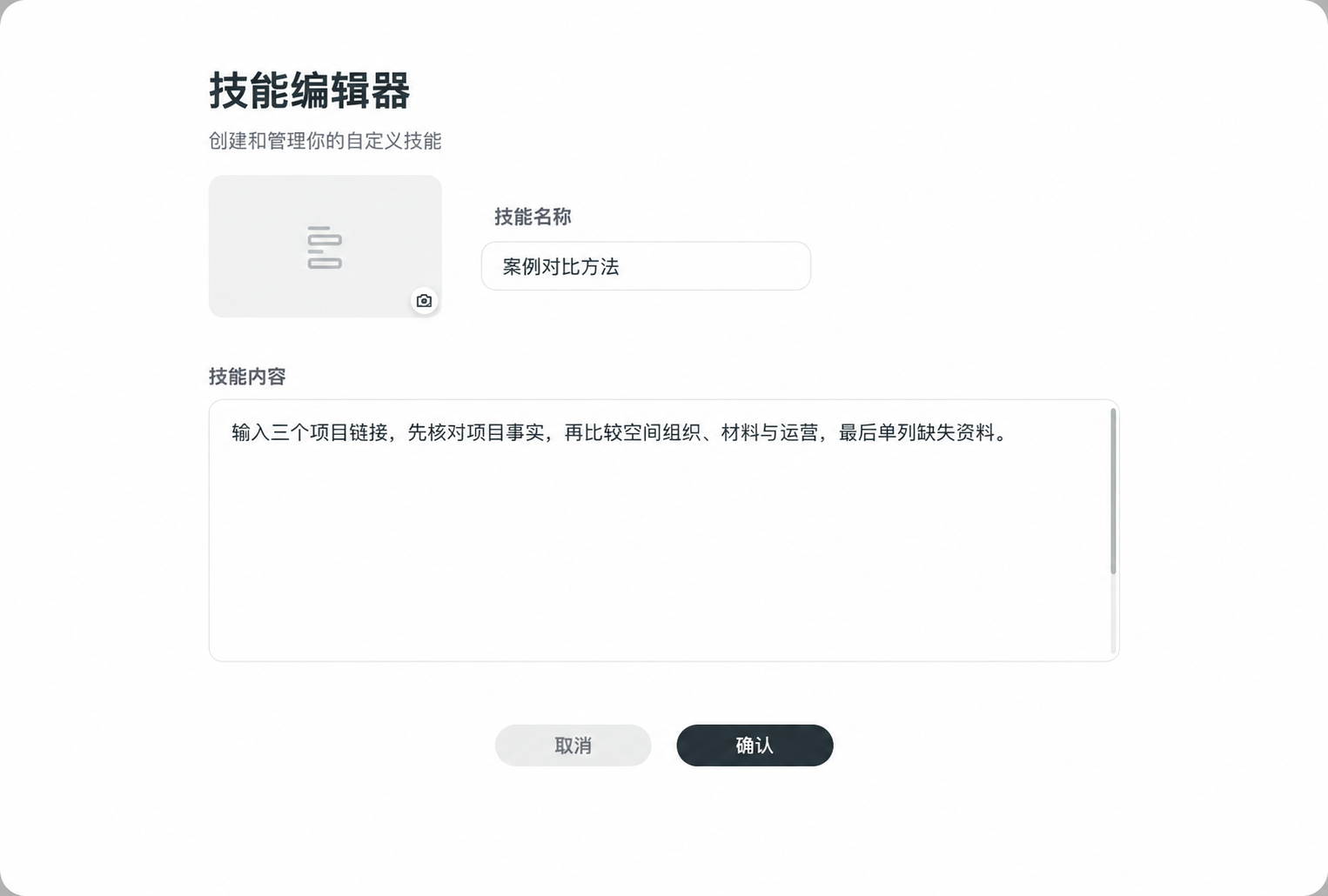 Chinese interface illustration: enter a name and body, then confirm to save.
Import Markdown
Upload the .md file and explicitly request a personal Skill from its method. Check purpose, materials, steps and standards, then review the resulting name and body before saving.
An uploaded file is not a created Skill. Verify it appears in My and can be selected and tried.
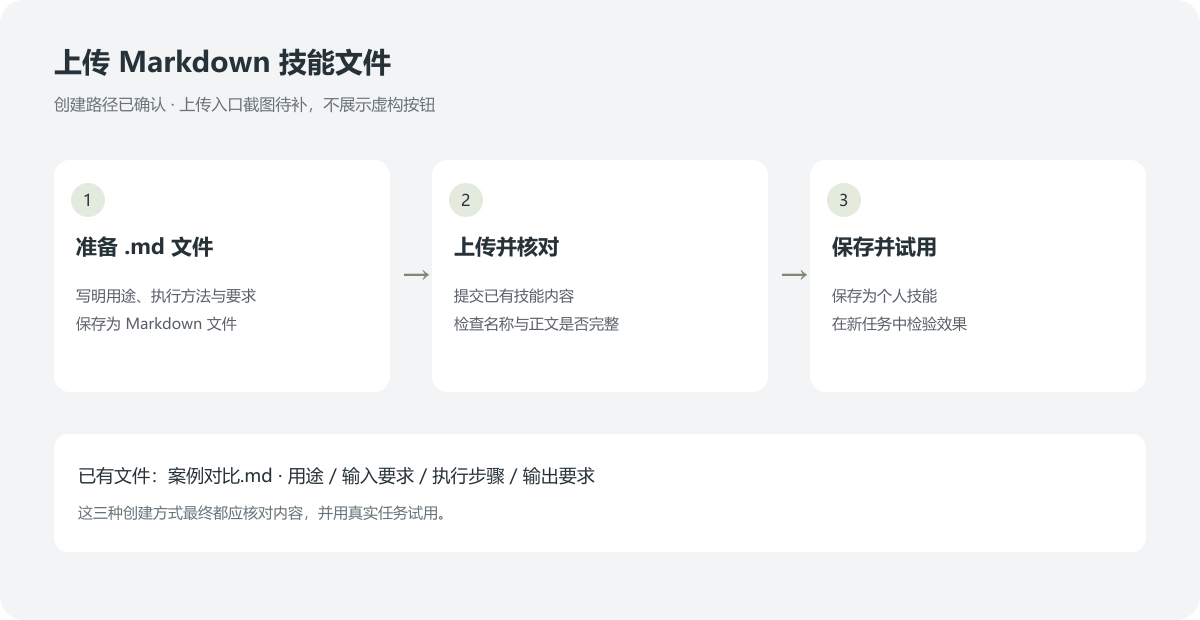 Tutorial workflow illustration; a screenshot of the actual upload entry is still pending.
Find and try it
Personal Skills belong to the current user and work across that user's projects; they are not automatically published to the team. Find one under My, or refocus the input and type /, select the My-labelled entry and try fresh materials.
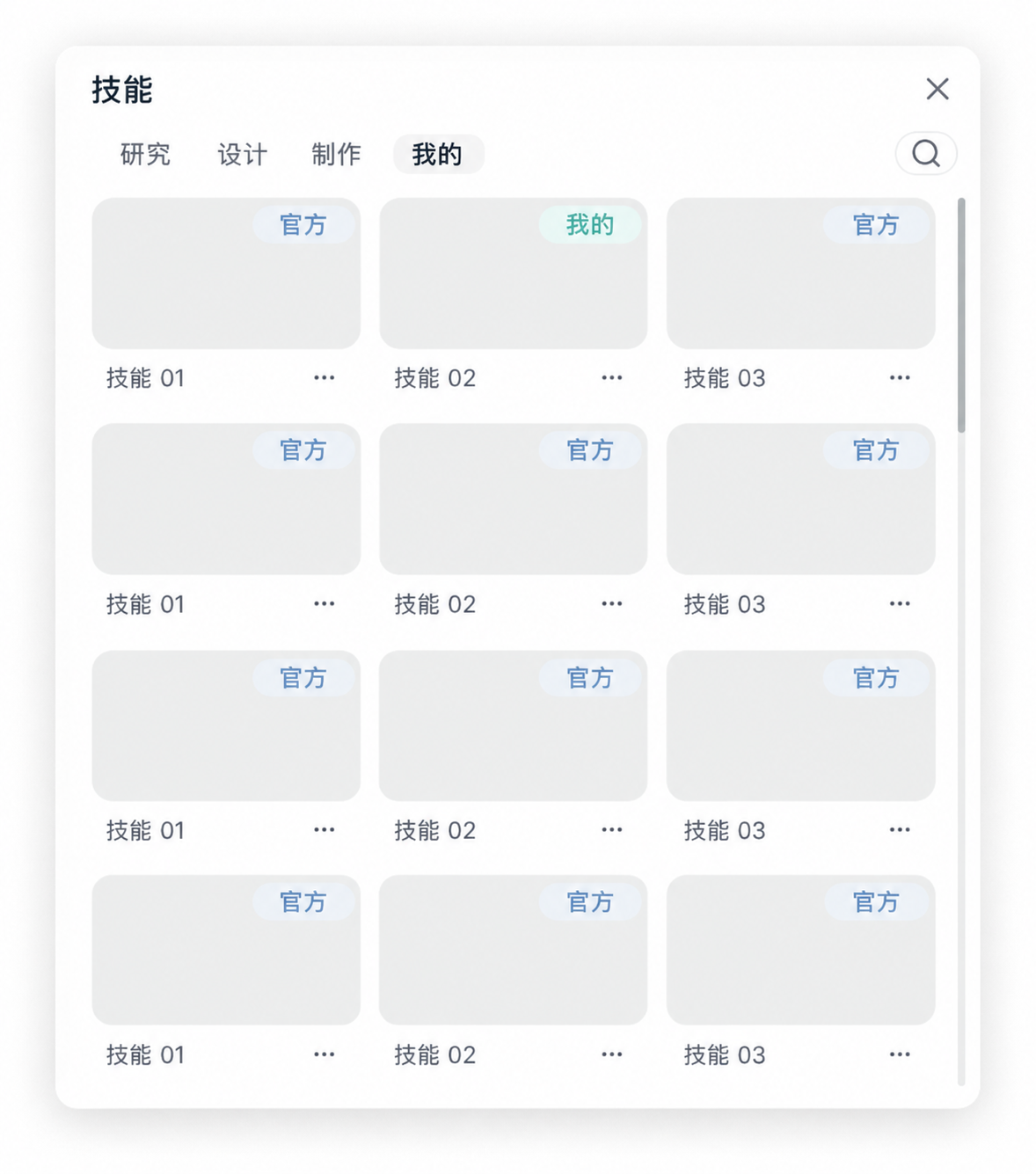 Chinese interface illustration: find personal Skills under My. Cards are examples.
Update from results
Edit through the Skill's action menu or tell Agent which personal Skill and step to change. Add source checks, revise structure or remove obsolete steps, then try representative inputs again.
A personal Skill and a same-named official Skill are independent. Creating yours does not modify the official version. Check source labels, not just names. Keep methods in Skills, enduring preferences in personal memory and project conditions in project memory.
Create a Skill · Personal memory · Project memory · Documentation